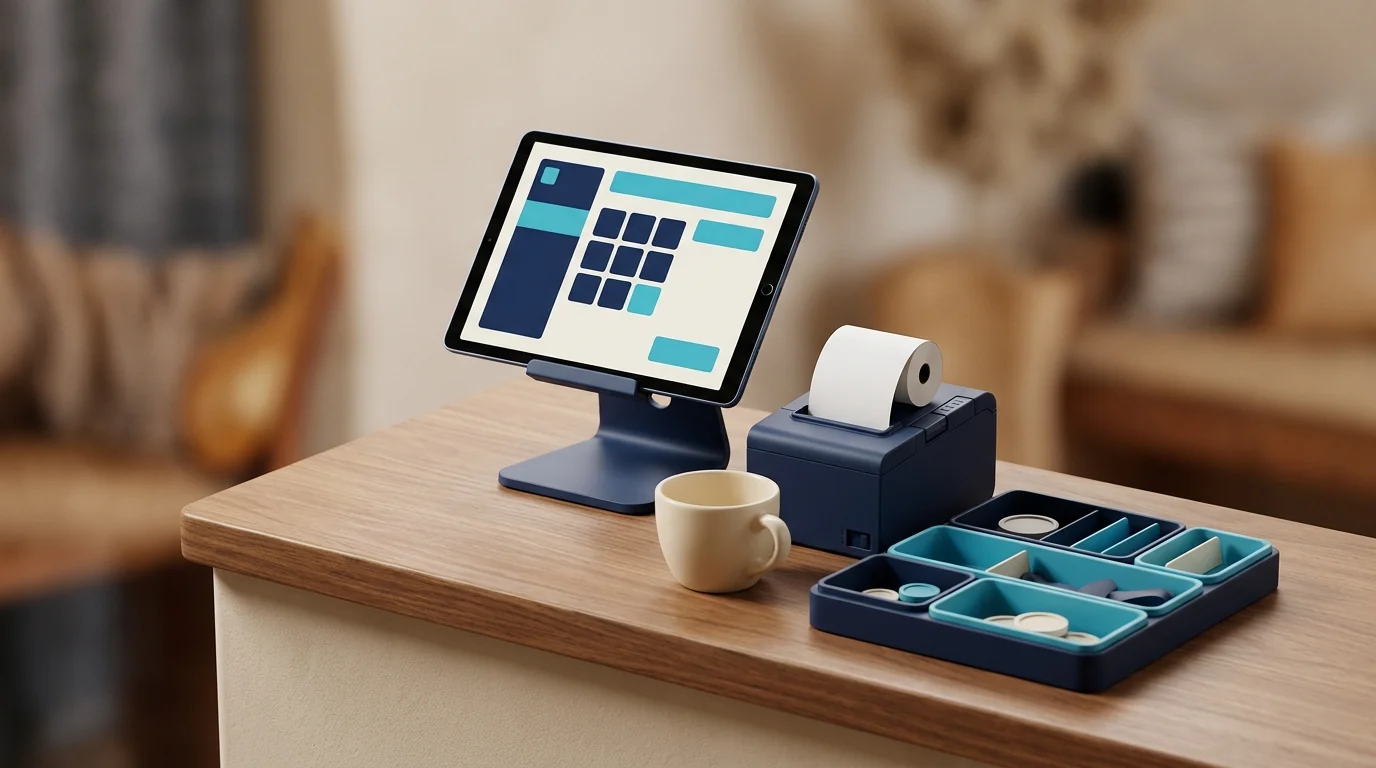
A small restaurant POS should be selected by order flow, supported devices, peripheral compatibility, connection-loss behavior, permissions, and shift reconciliation—not by the prestige of its hardware. A normal tablet can be appropriate when the software, operating-system version, printer, local network, and fallback are tested together. Expensive equipment can still fail under a confusing workflow. The aim is the smallest reliable setup the restaurant can support, with known replacement and growth costs.
Map every order path
Document dine-in, pickup, direct delivery, platform orders, tables, modifiers, notes, discounts, voids, split payments, and refunds. Define staff and manager actions. Ask a vendor to execute representative cases with the intended device. The smart restaurant menu guide covers item and modifier data. The Ramadan peak guide shows why channels, kitchen capacity, and device fallback must be tested under burst demand.
Select from supported tablets
Confirm operating-system version, memory, screen, charging, thermal behavior, warranty, and replacement availability. Install the actual POS and test a long session. Clarify whether the software vendor or restaurant supports device configuration. Use a stable stand and safe cable. Identify a spare or swap process when one device is business-critical. Do not purchase an unsupported bargain model based only on specifications.
Validate peripherals as a system
Test receipt and kitchen printers, paper size, Arabic output, cutter, cash drawer, kitchen display, barcode equipment where relevant, and network topology. Reproduce disconnection and reprint without duplicating the order. Decide who supports each component. A software provider, hardware seller, and network installer can otherwise point at each other while the restaurant is stopped. Keep model and configuration documentation for replacement.
Keep cashier interaction short
Present available categories, items, and required modifiers with clear prices. Show notes and final amount before sending. Hide manager-only controls and explain blocked actions. Test long Arabic labels, busy hands, search, sold-out items, and error recovery. Speed comes from clean menu data and an intentional path, not tiny buttons. Preserve the accepted item snapshot when names or prices later change.
Define offline behavior precisely
Ask whether the app opens, creates and edits orders, routes them locally, displays pending state, and prevents duplicate sync. Payments and regulatory actions may require a verified connection. Disconnect during a demo, complete a realistic order, reconnect, and inspect server and kitchen results. “Works offline” is not a useful answer without scope. Show last synchronization and do not label a local-only order final.
Centralize price and availability
The menu, POS, and connected delivery channels should share item, tax, price, modifier, and availability data. Assign publishing permission and audit changes. Remove sold-out items quickly. If a network delay prevents certainty, use a clear operational rule. Do not mutate old orders when a price changes. Preview seasonal menus and keep a rollback. Routine updates should not require a developer.
Control sensitive actions
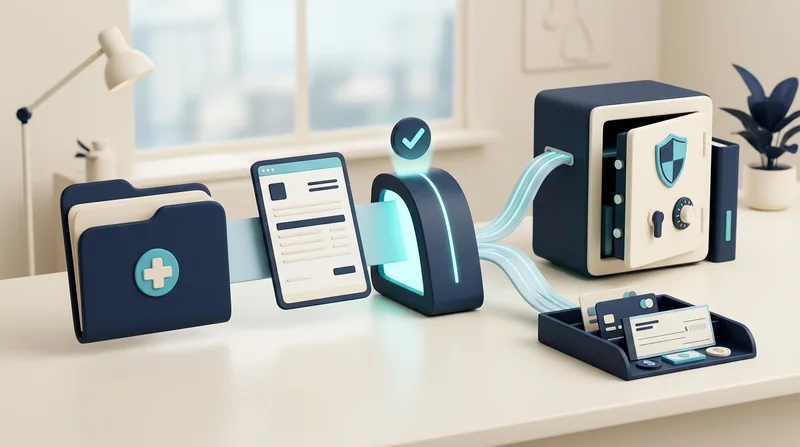
Set roles, limits, and reasons for discounts, voids, refunds, cash-drawer actions, and price overrides. A cashier may use an approved promotion while exceptional discount needs manager authorization. Never delete a mistaken order to make totals match. Link refunds to original payment and verified provider state. Review sensitive events during shift close and preserve the actor, time, original value, and approval.
Reconcile every shift
Compare orders, discounts, voids, payment methods, expected cash, actual cash, and unresolved payment or sync states. Assign opening, handoff, and closing responsibility. Explain differences by line item or event; a total alone is insufficient. Restrict correction and retain an audit trail. Test a late synchronized order and duplicated provider event. The restaurant should know whether to wait, investigate, or escalate before closing.
Compare total ownership cost
Include subscription or license, tablets, printers, stands, networking, paper, installation, training, support, replacement, additional locations, payment or integration charges, and data export. Model three years and a branch expansion. Ask whether hardware can be reused with another system and what happens at contract end. The cheapest first invoice may hide downtime, while a premium bundle may include hardware the restaurant never needs.
Pilot before full cutover
Run the selected setup during a controlled period, train cashier and manager on normal flow and failures, and record timing, errors, and support response. Rehearse a burst. Choose one source of truth and a cutover time; do not operate paper and digital systems as equal records indefinitely. Reconcile the first shifts and fix blockers before adding delivery integrations, loyalty, or visual enhancements.
Separate the device decision from the software decision
Write the operating needs first: order volume, printing locations, offline behavior, users, branches, and support. Test the software on an ordinary device that meets the published minimum, then add peripherals only when the workflow requires them. Record order, correction, cancellation, and reconnect behavior so inexpensive hardware does not hide slow software or a restrictive contract.
Conclusion: buy a reliable operating path
The right small-restaurant POS runs on supported replaceable hardware, states its offline limits, controls money actions, and closes a shift with explainable figures. Request a trial using the actual tablet and printer. To rehearse the end-to-end setup, read the Menu Tek page and test any POS for printer failure, duplicate order prevention, manager approval, and shift reconciliation.